IBMulator - The IBM PS/1 Emulator
About
IBMulator is a free/libre and open source PC emulator focused on the IBM PS/1 line of computers,
able to run with the original ROM.
The goal is not just to develop yet another emulator, but also to create a faithful simulator with the look and feel of the real machines, hdd and floppy drive noises included.
IBMulator can emulate the following systems:
- IBM PS/1 model 2011 (80286 @ 10MHz)
- IBM PS/1 model 2121 (80386SX @ 16MHz ~ 20MHz)
The program is still in active development so expect bugs and missing features.
Features
- Text-To-Speech system and Accessibility
TTS for both the GUI and DOS, with serial Braille 'n Speak synthetizer emulation. Fully usable with the keyboard with customizable key bindings.
- Works with the original IBM ROM.
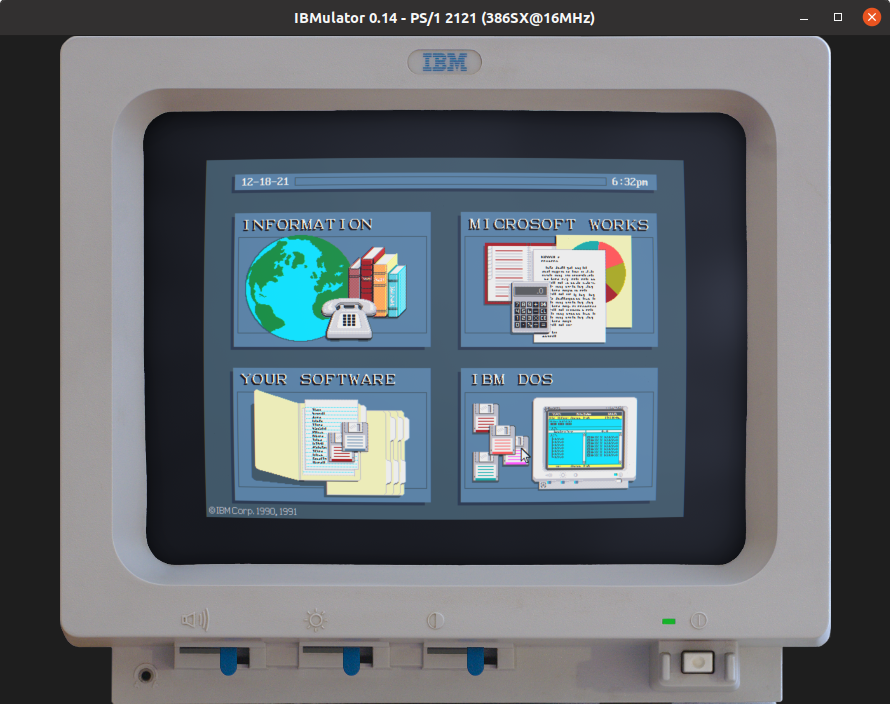
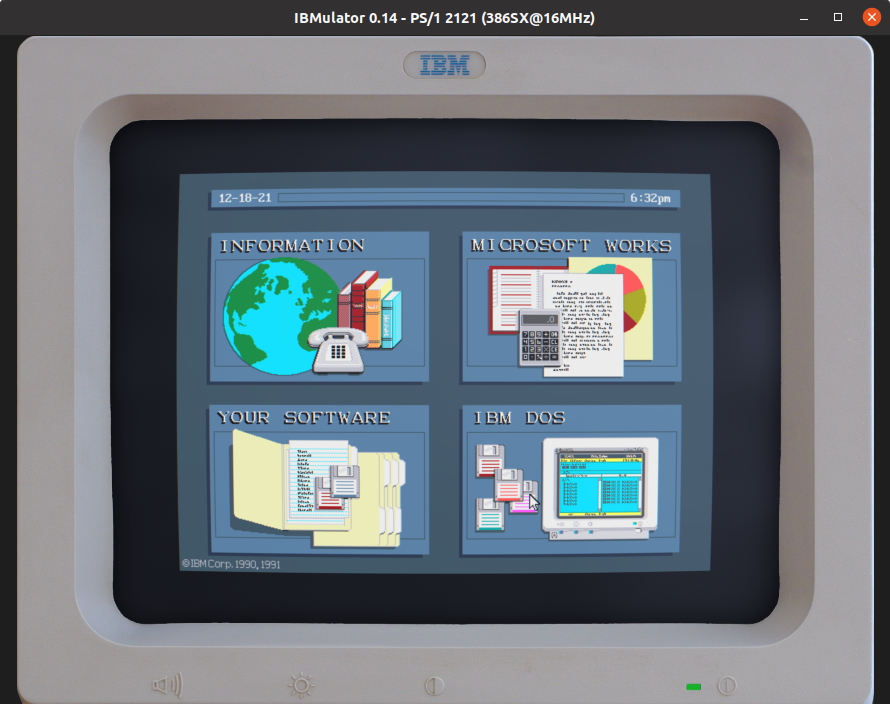
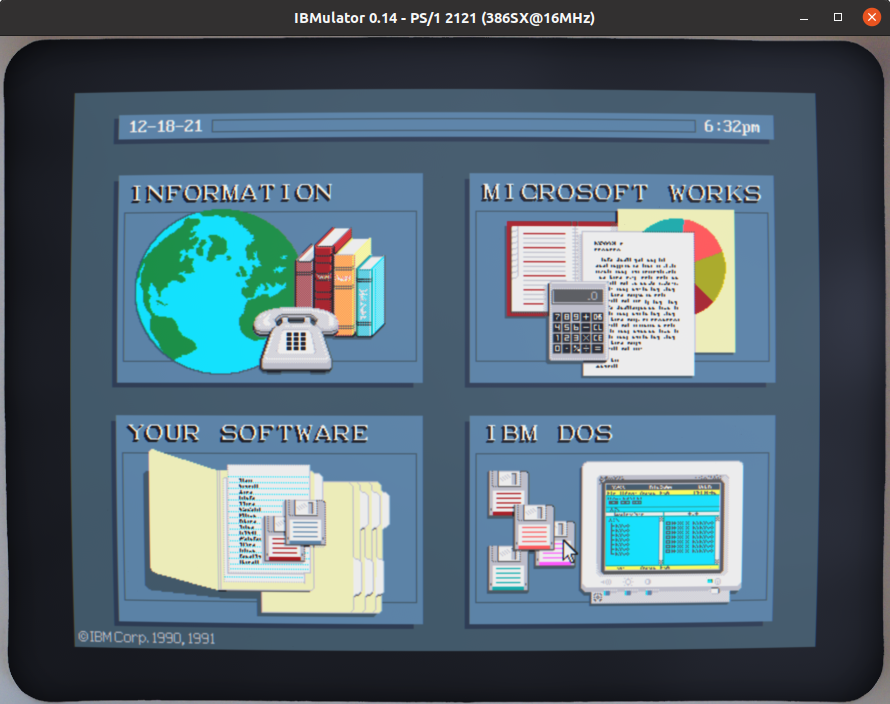
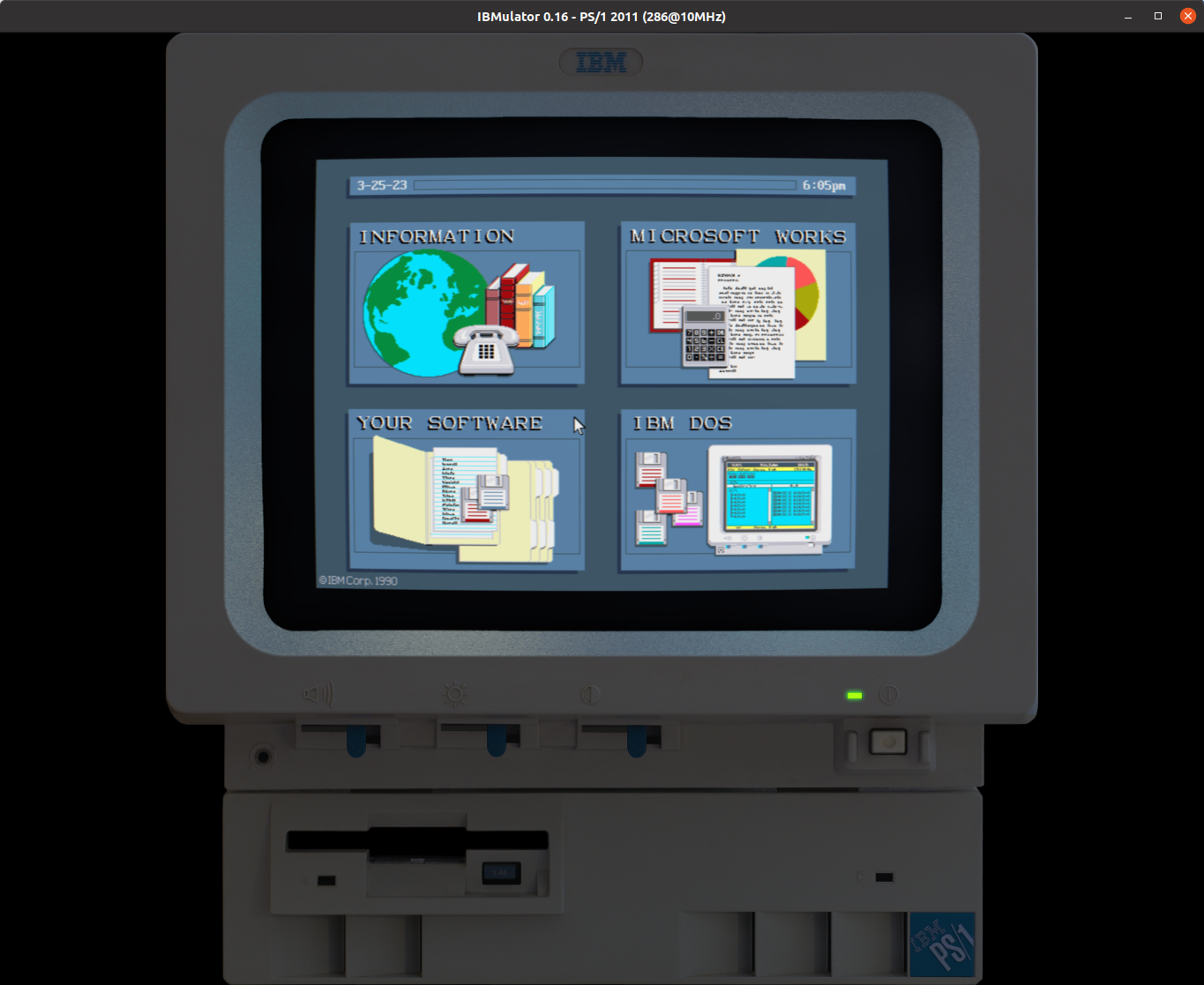
IBM's peculiar 4-Quad GUI and BASIC programming environment included!
- PS/1 Audio Card, AdLib, MPU-401, and Sound Blaster emulation.
The 8-bit DAC and Programmable Sound Generator with 3 voices plus noise of the PS/1 Audio Card is properly supported.
- HDD and floppy emulation.
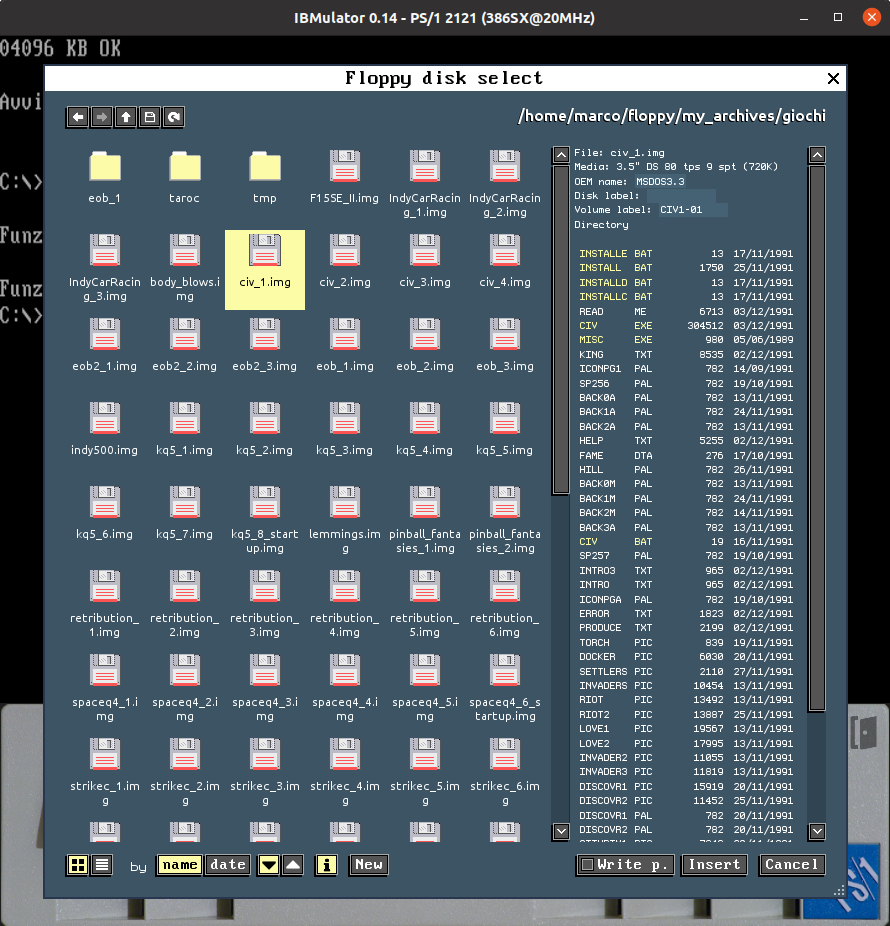
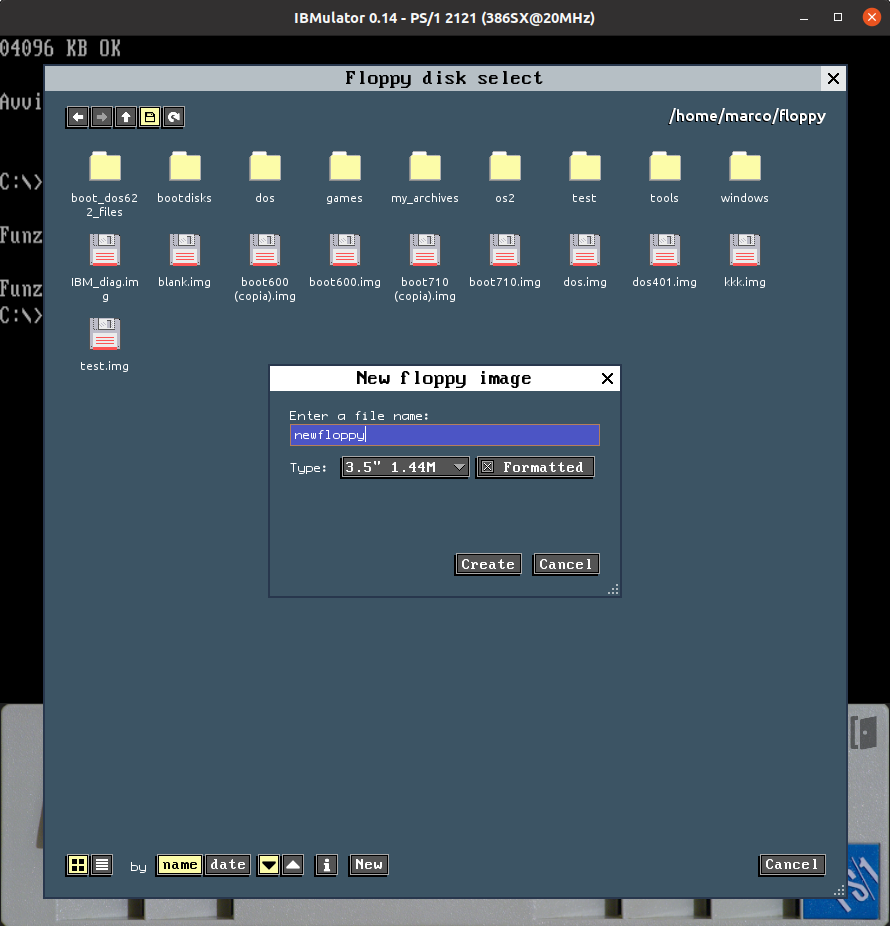
You can use standard HDD LBA images and floppy disks in various popular formats like IMG, HFE, TD0, IMD, and 86F. The IBM's HDD 8-bit RLL XTA-like proprietary interface is emulated, as well as floppy disks at the magnetic flux changes level.
- Sound effects.
Emulation of the working noises generated by the floppy drive, the HDD, and the system unit fans.
- Realistic timings.
The 286 and 386 CPUs, the WDL-330P HDD, and the integrated VGA are as painfully slow as in the original machine, for the truest PS/1 experience. The Prefetch Queue is also emulated, so games like JetFighter work as expected.
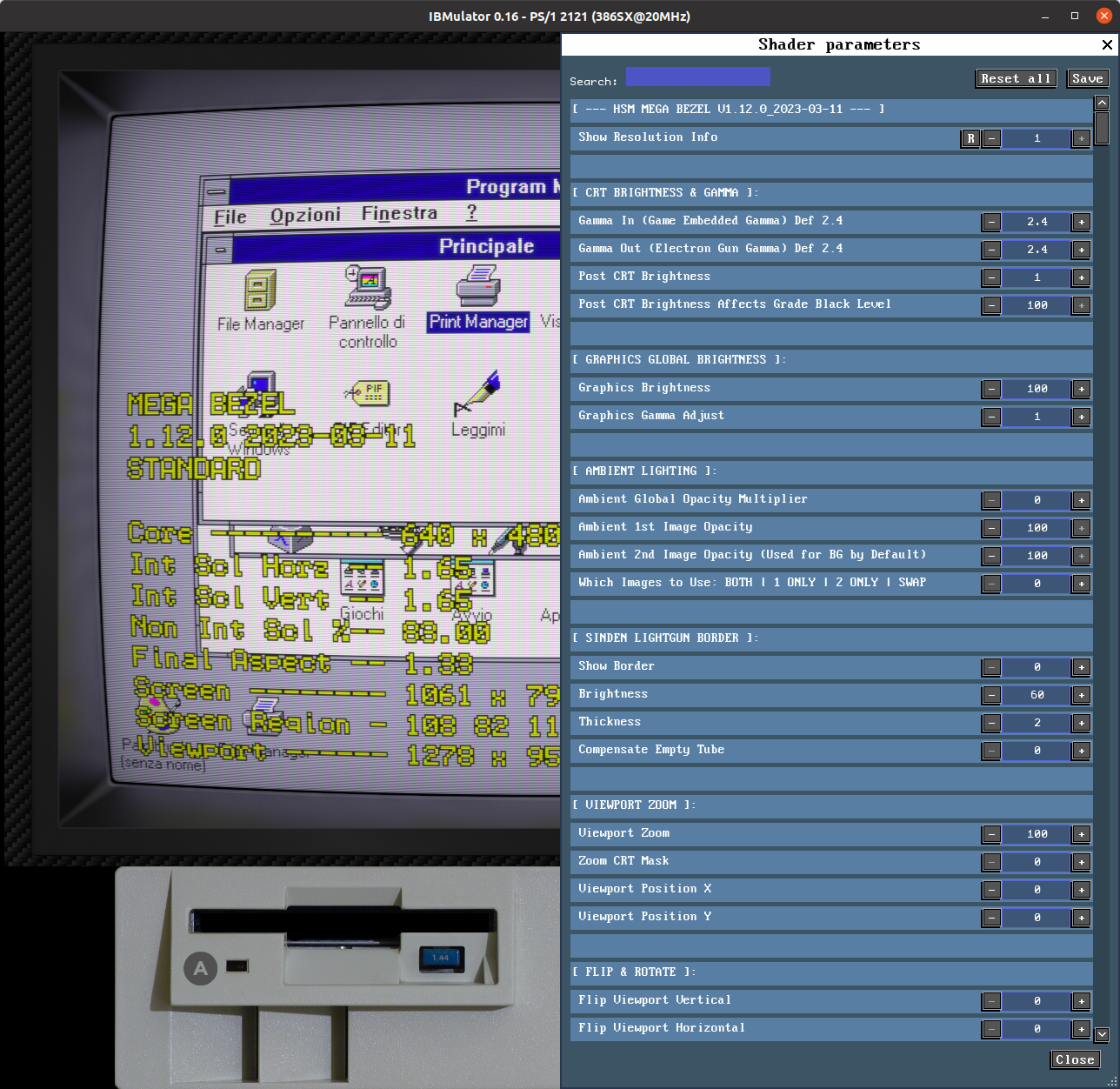
- OpenGL video output with advanced shaders system.
IBMulator is fully compatible with the new RetroArch slang shaders. Multiple scaling options available, including integer scaling.
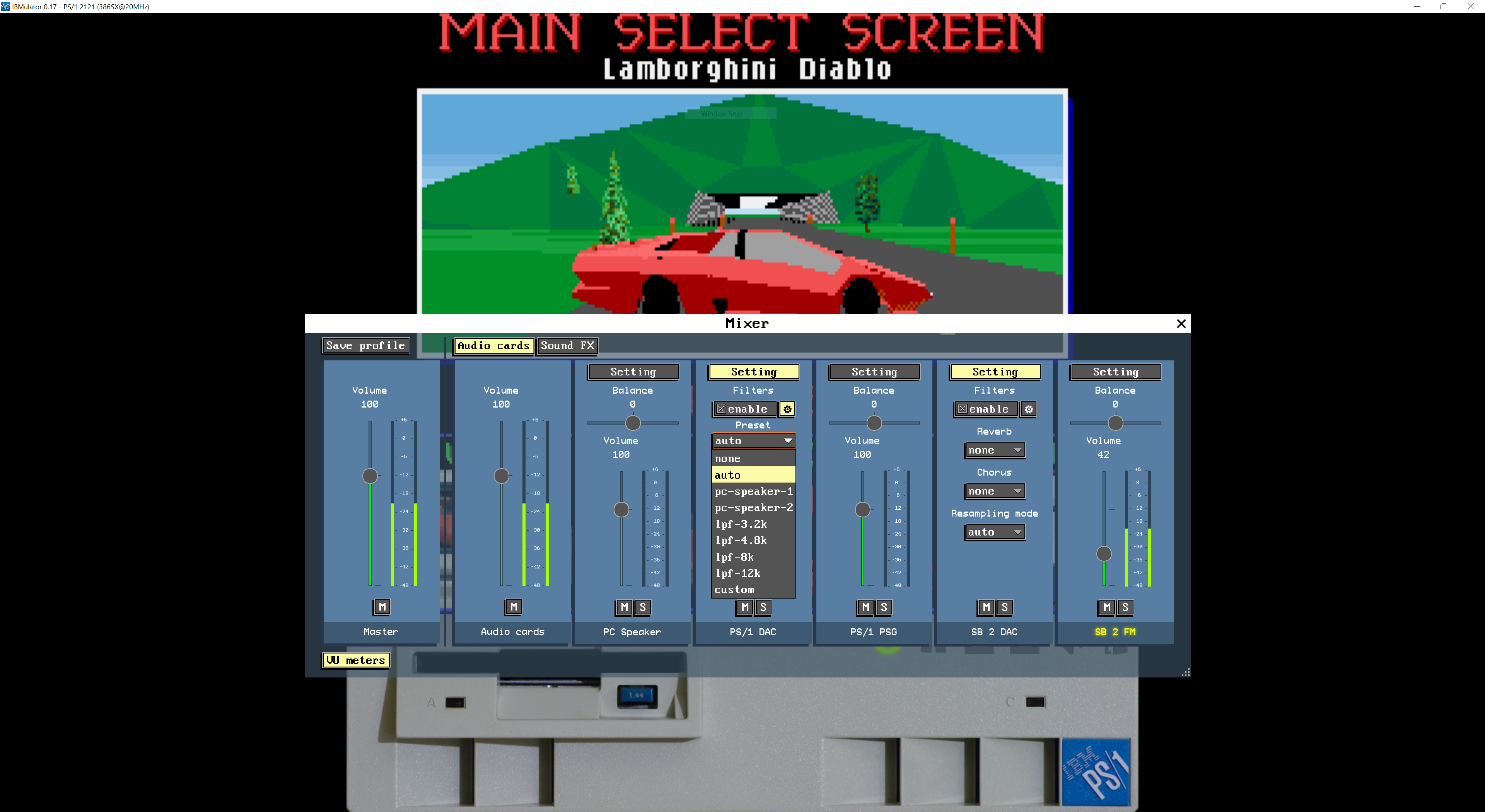
- Audio DSP filters.
Audio channels can be filtered with DSP filters like Low Pass and High Pass (and many others), so that the PC-Speaker can be reproduced as it was originally intended, in all its lo-fi glory.
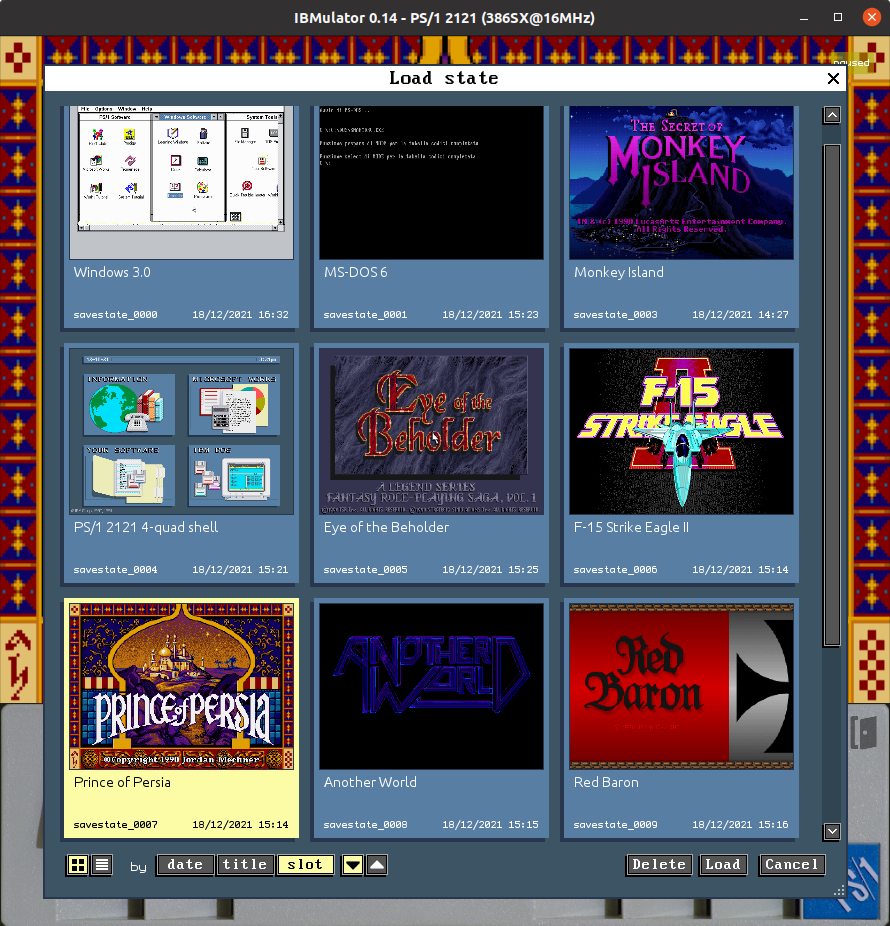
- State recording and resuming.
Multiple savestates are supported, with a practical user interface.
- Video capture, screenshots, audio WAV capture, raw MIDI and VGM dumping.
When an audio recording is started, raw music data from the PS/1 PSG and the OPL2 chip is also saved in VGM format.
- Full OpenGL GUI.
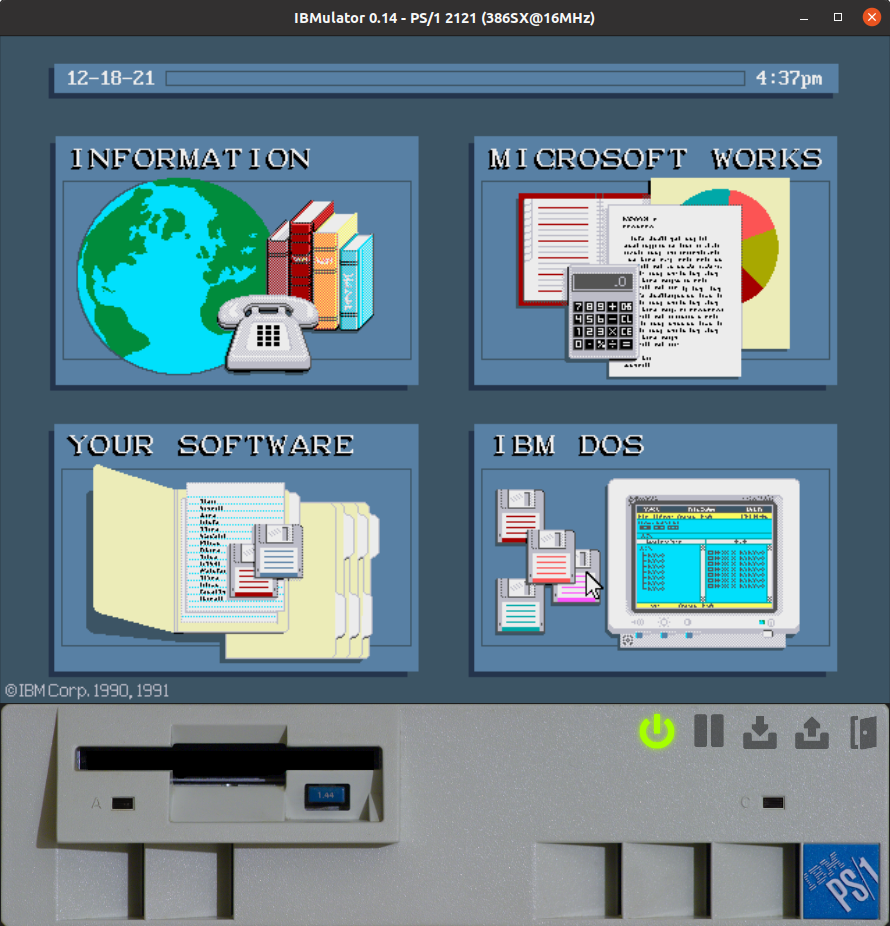
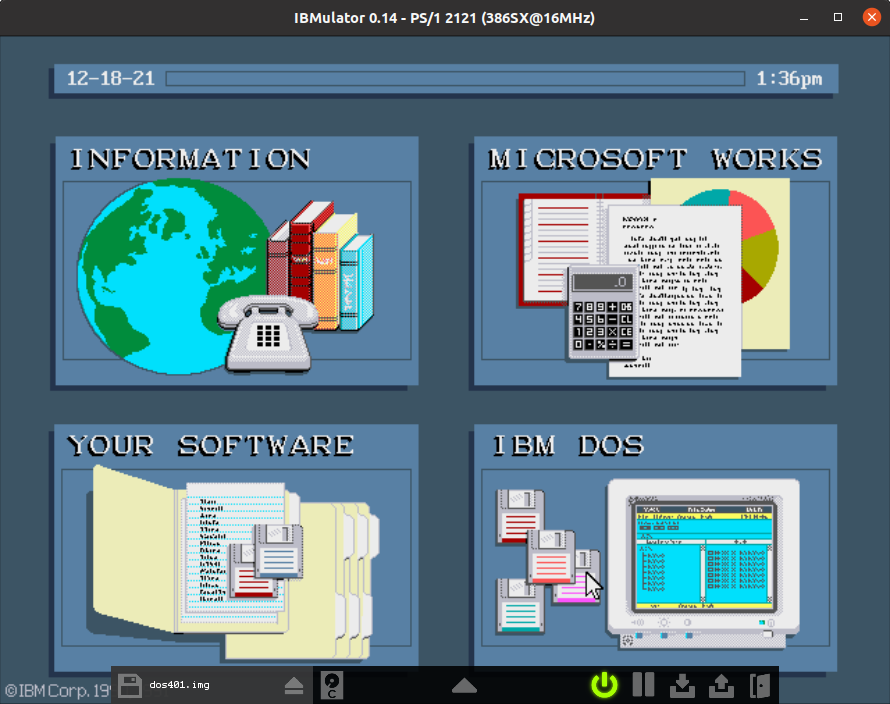
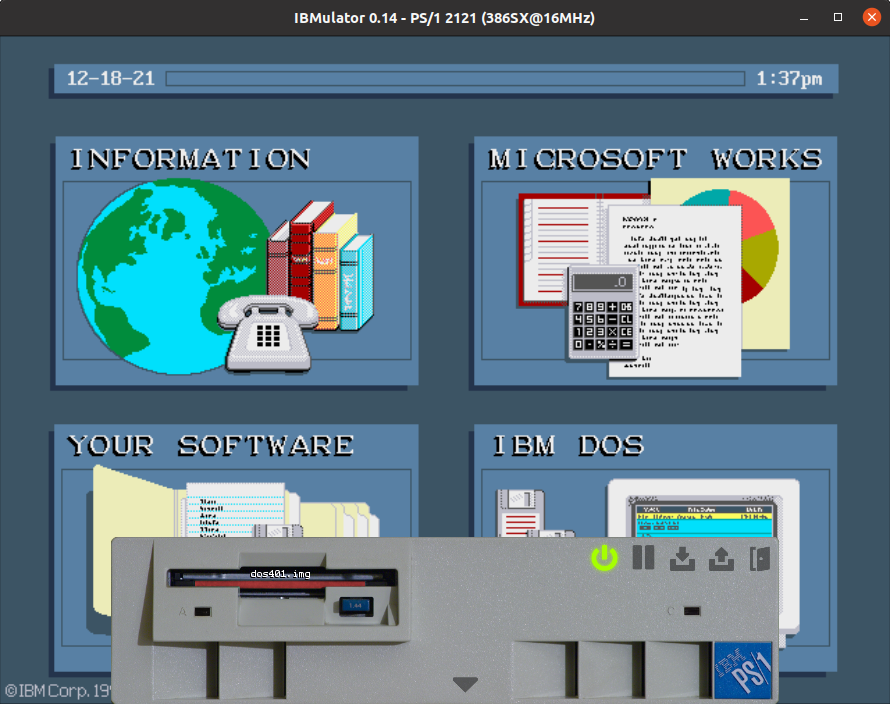
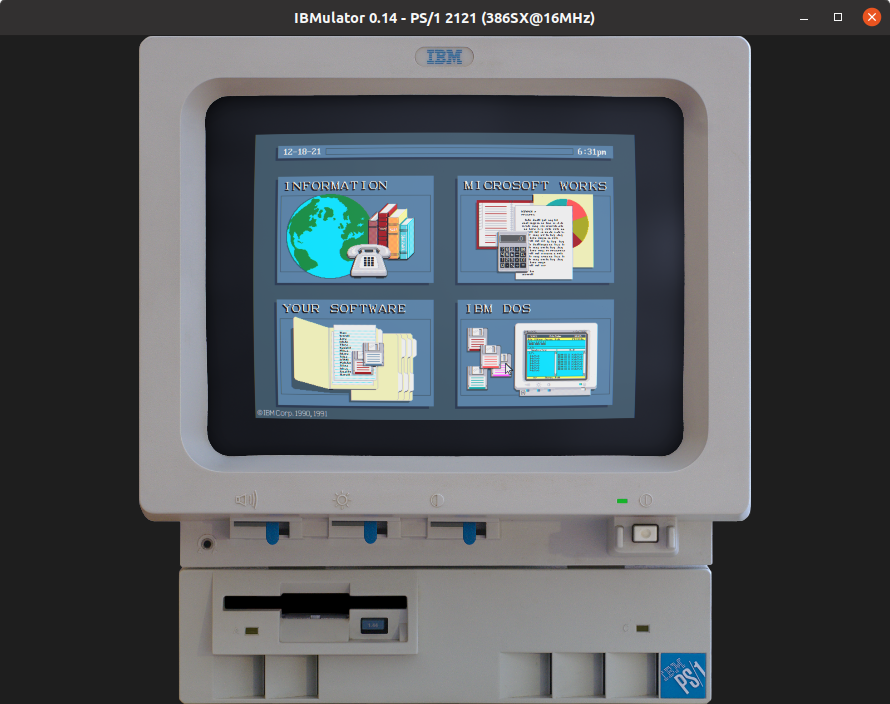
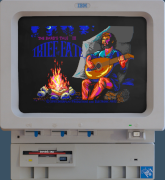
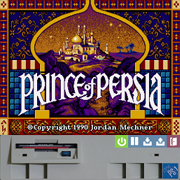
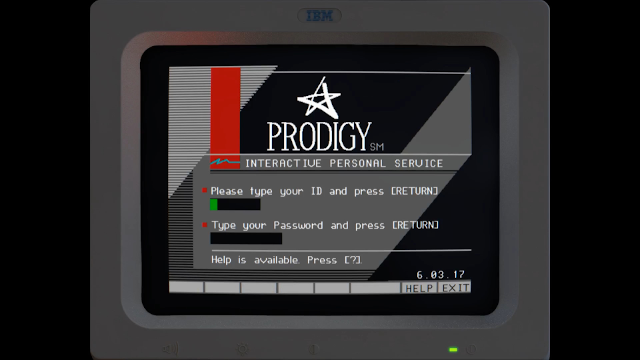
Triple mode of operation: Compact (à la DOSBox, plus a control bar), Normal (w/ the system unit), and Realistic (whole system, monitor included!), for an added sense of realism.
- Adjustable emulation speed.
It can go as slow as 0.01% and as fast as 500% the normal speed (and more, but only if your PC can handle it, of course). You can watch the VGA scanlines being drawn on the screen, slow down a difficult part of a game, or greatly accelerate an unskippable introduction. Audio speed will be adjusted accordingly but capturing will be unaffected and stutter-free.
- Serial Hayes-compatible modem emulation
Connect to modern day BBS services or play with your friends over the network.
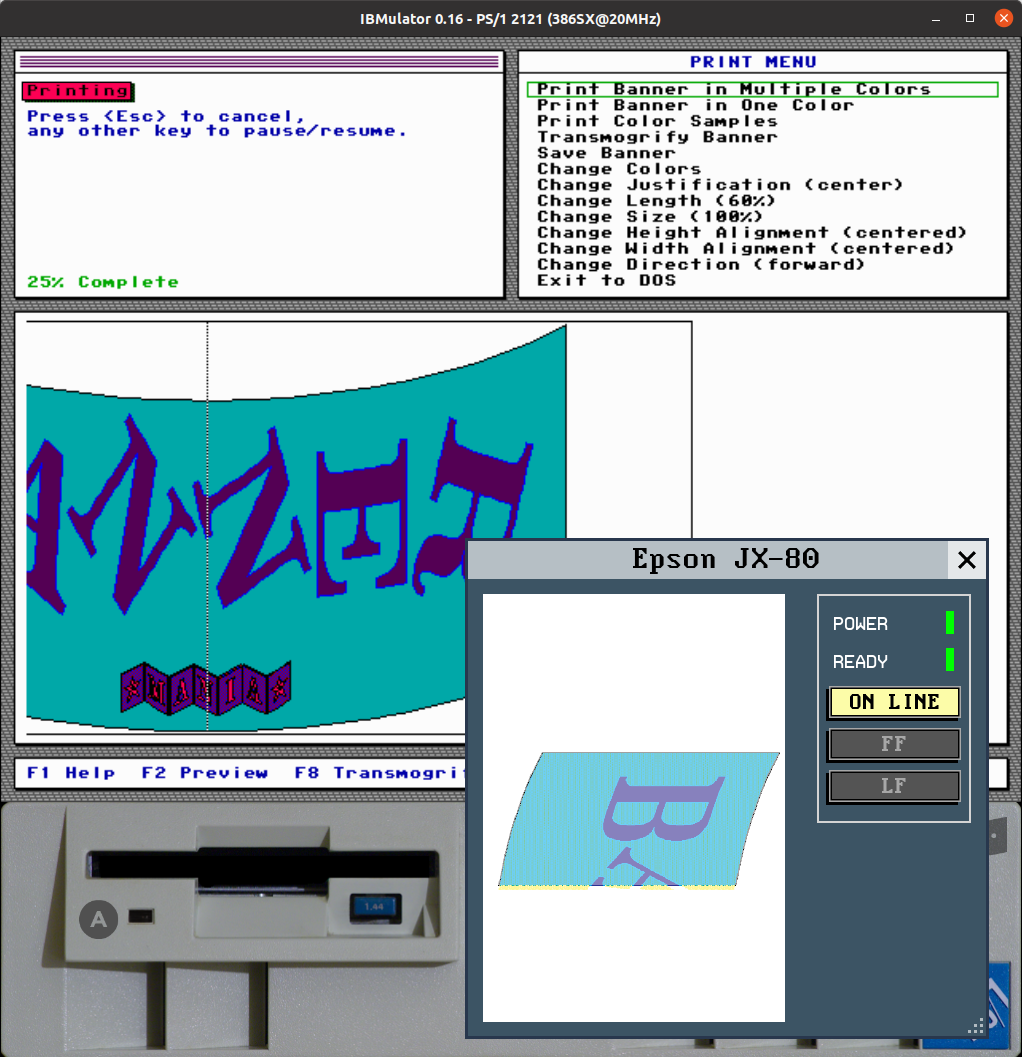
- Virtual 9-pin dot-matrix color printer emulation.
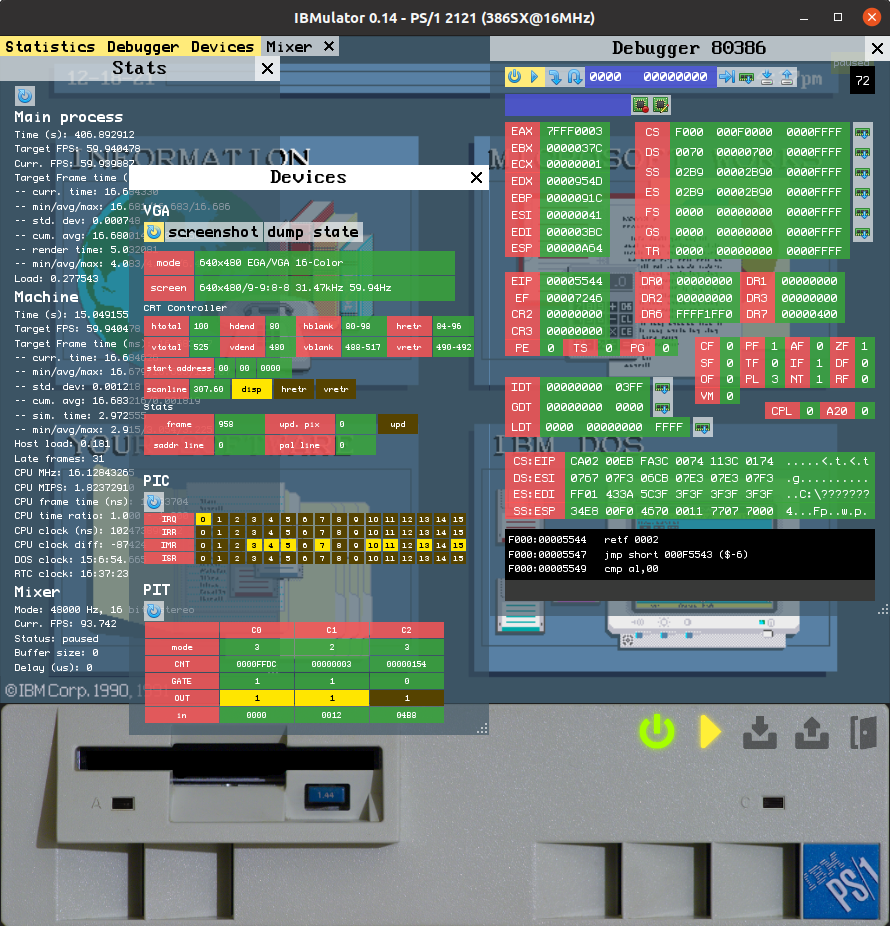
- Debugging tools.
- Multithreaded.
The GUI, sound rendering and mixing, video capture, and CPU core emulation are on separate threads, so that your i9 beast can have some spare cycles for overclocking that puny 286.
- Highly configurable.
You can create your dream PS/1 configuration, with 500MB HDD, 16MB RAM and a blazingly fast 386DX @ 33MHz, if you want to.
- Multiplatform.
Runs on Windows and Linux, 64-bit only though because this is the 21st century.
List of currently emulated devices
- CPU Intel 80286 and 80386 (SX & DX), with undefined behaviours, prefetch queue, and instruction timings.
- IBM PS/1 model 2011, 2121 system boards, with POS and other control registers.
- Standard PC platform devices: CMOS RTC, 8259 PIC, 8254 PIT, 8237 DMA, 8042 KBD controller.
- IBM 8-bit XTA and ATA HDD controllers with timings.
- Intel 82077AA Floppy disk controller (Model 30 mode) with timings and magnetic flux of floppy disks.
- ATAPI CD-ROM drive (PIO mode).
- IBM VGA adapter, with per-scanline emulation.
- IBM PS/1 Audio Card, AdLib, Creative Sound Blaster (2.01, Pro, Pro 2), Roland MPU-401, PC Speaker.
- Game, Serial (COM), and Parallel (LPT) ports.
- Parallel 9-pin dot-matrix color printer, Epson FX-80/JX-80, IBM Proprinter, and IBM Graphics Printer interpreters.
- Serial devices: Hayes-compatible modem, Braille 'n Speak synthetizer.
Download
Current version: v0.19 (released 16/nov/2025)
If the precompiled binaries are not of your liking you can recompile them from the
master branch
See the build instructions for more info:
Windows |
Linux
If you're feeling brave and want to try bleeding edge code (or you want to contribute), use the
unstable branch
Other branches may be present from time to time to test specific features before merging them into unstable and, eventually, master.
ROMs and disk images are copyrighted material and must be downloaded elsewhere
(hint).
Usage
TL;DR version
- Obtain a ROM set
- Launch the program
- Edit ibmulator.ini and specify the ROM set name
- Relaunch and enjoy
Full version
Please read the USAGE file included in the distribution package for detailed instructions on how to configure and use the program.
Roadmap
What you'll find in the next major version
Features likely to be implemented in the not so distant future
- SVGA emulation.
- 80486 emulation.
- PS/1 model 2133 emulation.
- Configurable CPU core, in order to disable unneeded emulated features and speed up the program on slower machines.
Features I wish to implement some day, maybe ...
- Comprehensive configuration GUI.
- Sound Blaster 16 emulation.
- Code optimizations and multithreaded CPU core.
- NE2000 network card emulation.
- 3D interface mode with VR support (port to Godot Engine?)
FAQ
For the current list of known bugs please see the GitHub's issue tracker.
- Where am I supposed to put the ROM and what should I write in the ini file?
- The easiest way is to put the ROM inside the same folder of ibmulator.ini and write its filename in the [system]:romset setting.
If you want to put the ROM somewhere else then write its full path in the ini file.
- I keep my floppy images in a folder in %DISKDRIVE% and I need to navigate there every time. How can I tell IBMulator to look there by default?
-
Specify your floppy images folder path in the [program]:media_dir ibmulator.ini setting, for example:
[program]
media_dir=D:\images\
- What kind of shaders can I use? What kind of extension? i.e. are .glsl and .fx supported?
-
IBMulator is compatible with RetroArch's Slang shaders (*.slangp). You can download them at https://github.com/libretro/slang-shaders. Follow the instructions in IBMulator's documentation for installation and use.
- When I enable Sound Blaster audio the game/program hangs while trying to play sounds. What can I do?
-
Check the IRQ value in the [sblaster] section of ibmulator.ini. The Sound Blaster card should be on its own IRQ line and not sharing it with other devices.
Open the IBMulator's log file to read the list of IRQ and DMA channels assigned to I/O devices. A good choice would be IRQ 5.
Also make sure the BLASTER string in the C:\AUTOEXEC.BAT file has the correct Ix (IRQ) and Dx (DMA) values.
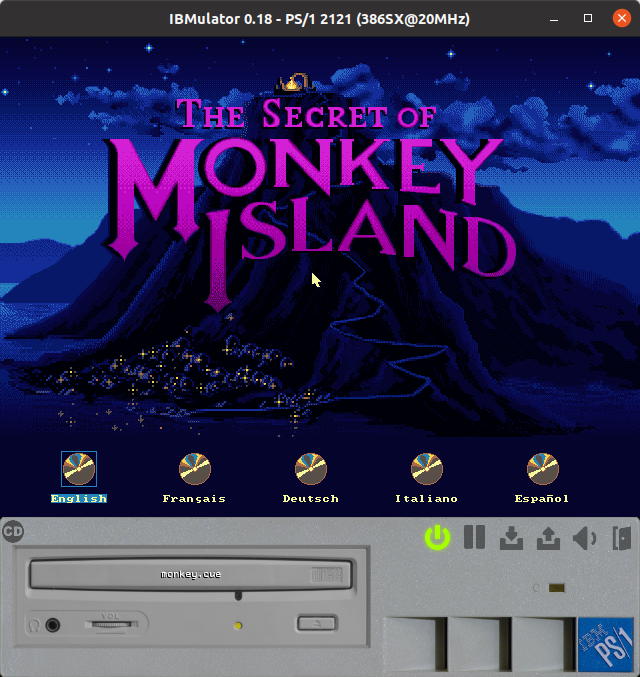
- In order to play Monkey Island, do I have to create an .img file with all the files of the game?
-
IBMulator is not simply an emulator (like DOSBox is), it's also a simulator, so it operates using disk images, for both the HDD and floppy disks.
In order to play a game:
- prepare an HDD image: you can either download a premade one or let IBMulator create a new blank disk. If you decide for the latter, you'll have to then install DOS using the DOS install floppy images or restore the original IBM software from a restore floppy disk-set.
- install the game you want to play from its floppy images into the HDD. You can also copy a game's files directly on the HDD's .img using special software capable of manipulating image files: on Linux this is relatively easy, look at the "HDD image" section of the README.
Using floppy images can (and should) be done through the GUI: click on the floppy drive and a selection window will appear, pointing to the media directory where the floppy images should be located.
So at the end of the day, using IBMulator is like using a real IBM PS/1 computer. Sometimes it's incovenient, just like the real thing!
- I use the 2121 BIOS but the 4-Quad GUI doesn't show up like in the 2011 model. Instead, a "Non system-disk or disk error. Press Enter" message appears after memory test. What do I have to do?
-
The PS/1 2011 has a so-called romdrive in the ROM image, with PC-DOS and the 4-Quad software in it. The 2121 has 2 versions of the ROM, one with the romdrive and one without. You need to use the 386/16 version of the ROM which has the romdrive built in, or, if you want to use the 386/20 version, you need a HDD image with the IBM's original PS/1 software installed.
- Why should I use IBMulator instead of DOSBox(-X|-staging)?
-
Unless you like juggling with disk images, are nostalgic about old PCs or have a specific interest in the IBM PS/1, you shouldn't. That being said, IBMulator currently has better CPU timings emulation, so there's that.
- Why an emulator for the IBM PS/1, an overpriced, slow PC compatible that was already absolete at launch?
-
Nostalgia. The PS/1 was my very first PC and I wanted to make it immortal before the machine I still own dies of old age.
Also I think that it has some distinctive features that make it interesting and unique, like the 4-Quad ROMSHELL interface.
- Can I contribute?
-
Sure! See below for contact information.
- Can I reuse your code for %EmulatorName%?
-
Yes, as long as you abide by the license's terms and conditions. Also, feel free to contact me for information about the PS/1 and its inner workings.
I've created some tools to aid the development of IBMulator. Maybe you'll find them useful too.
test386.asm
CPU tester for emulators, written in NASM assembly. It runs as a BIOS replacement and does not depend on any OS or external library.
GitHub's repository
VGATEST
Protected mode DOS program used to test VGA functionality in both text and graphics modes. It gives the ability to test all the standard BIOS modes plus many non standard ones like Mode X or Mode Y.
GitHub's repository
For bug reporting, feature requests, or IBMulator related questions, please use the
GitHub tracker.
Disclaimer
IBMulator is not a product of IBM Corporation nor is it sponsored by IBM Corporation in any way.
All trademarks and registered trademarks are the property of their respective owners.